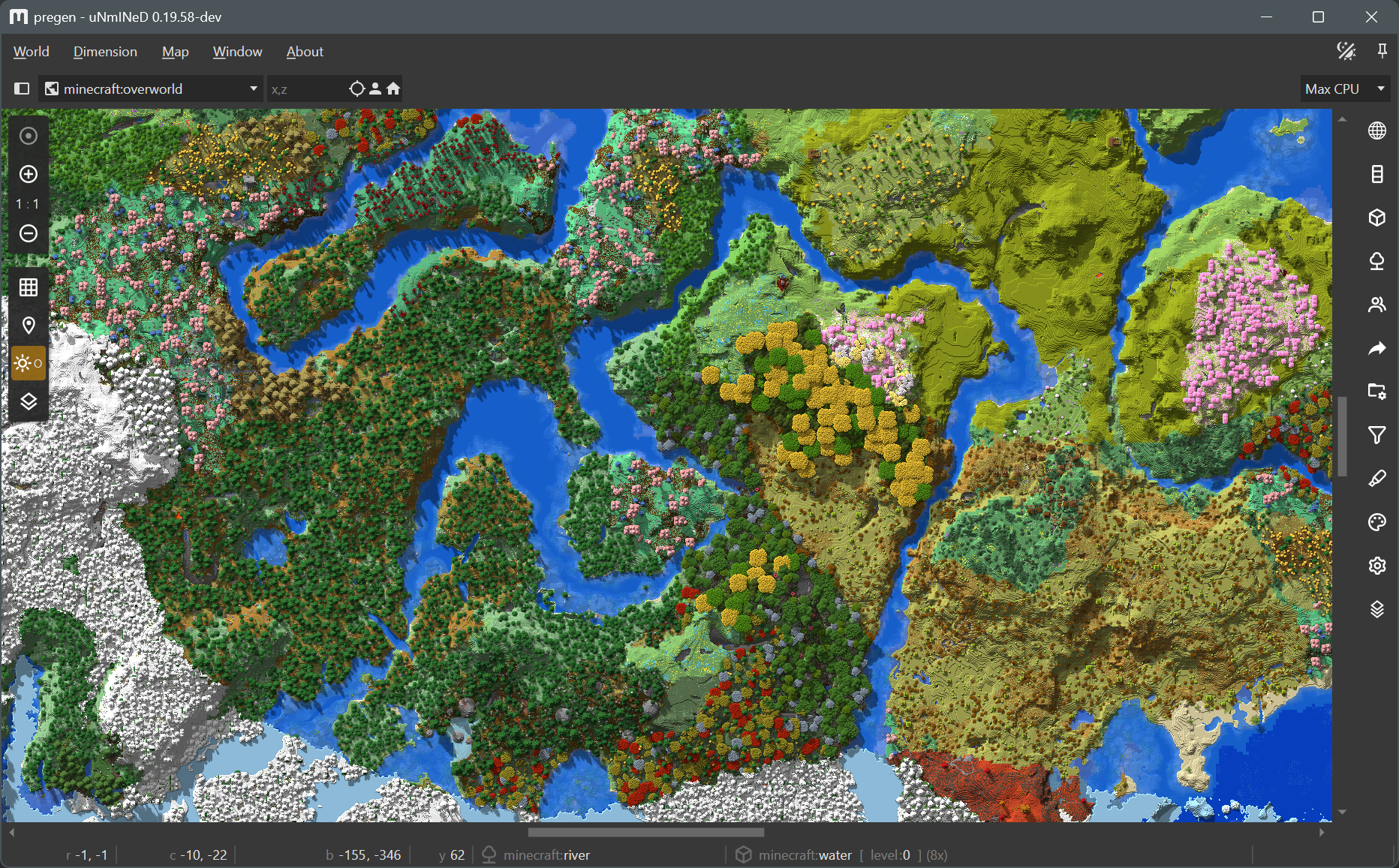
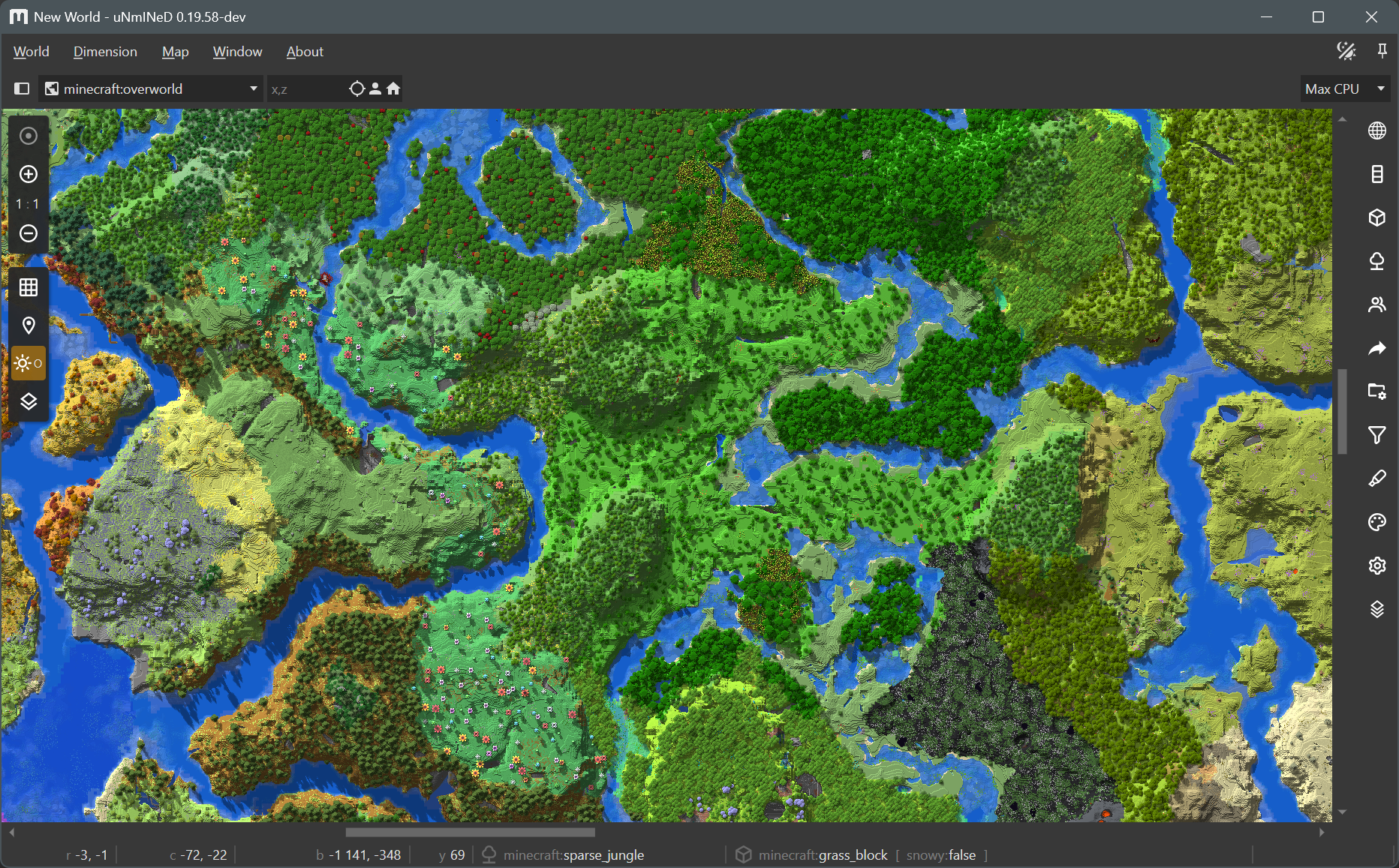
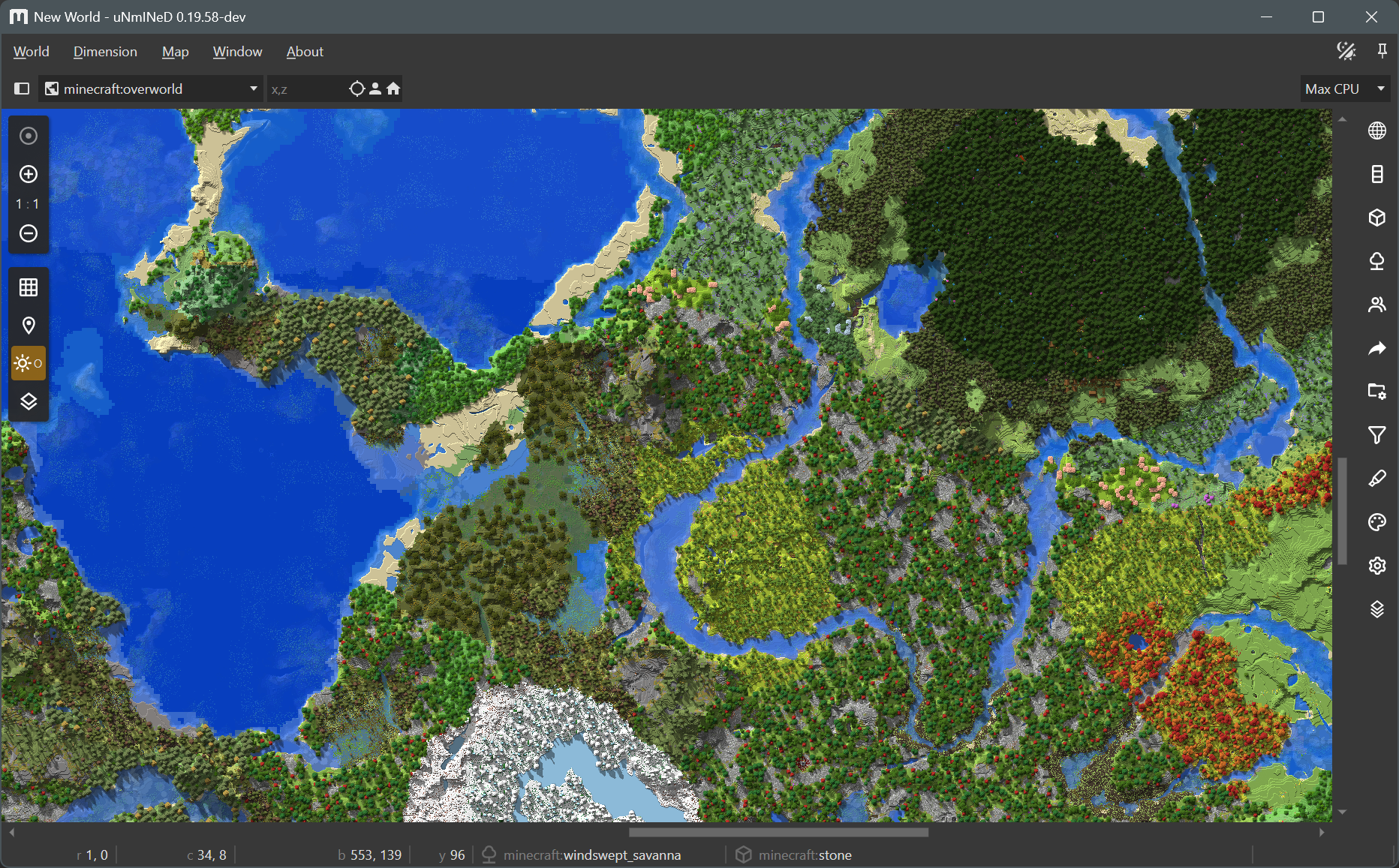
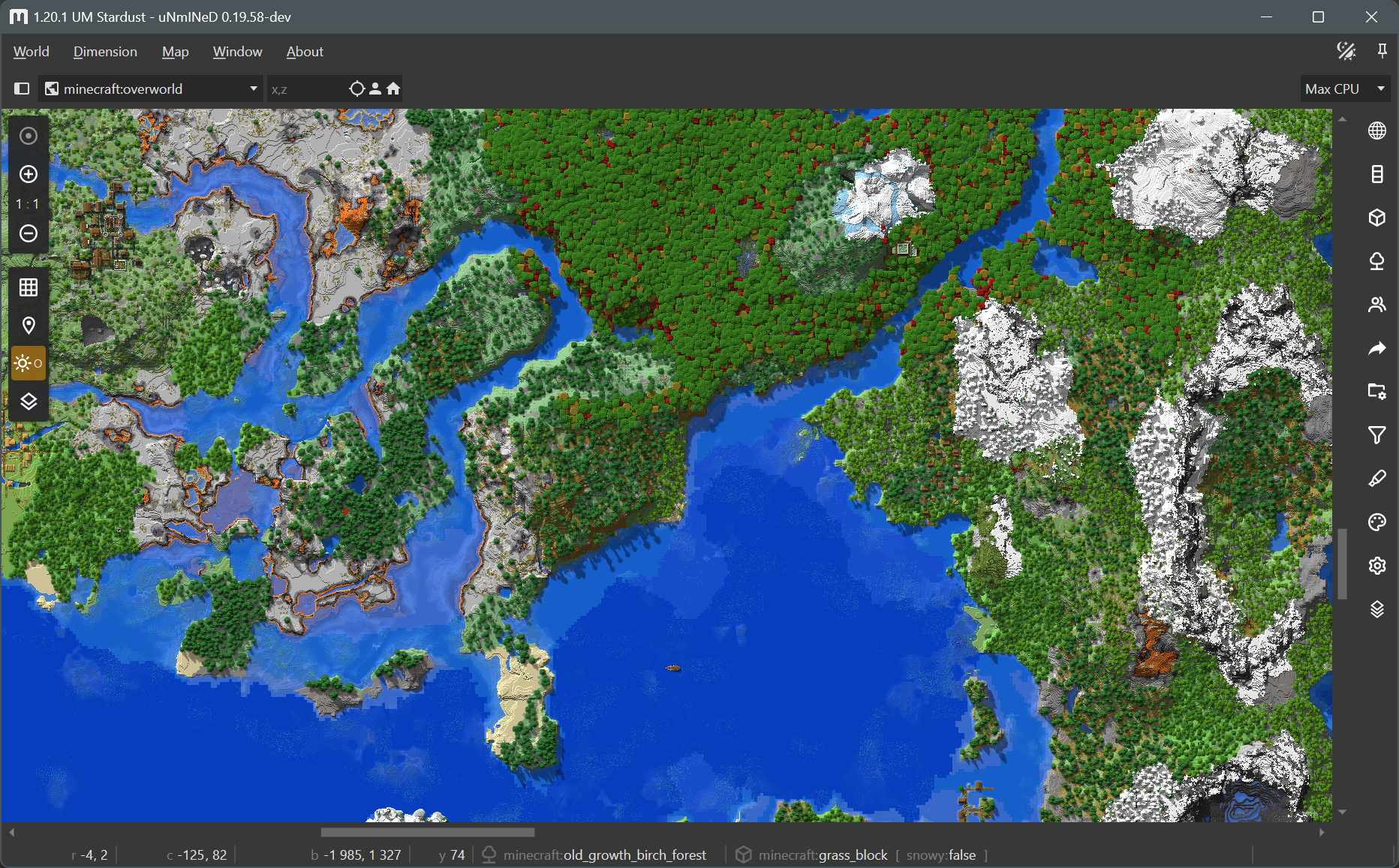
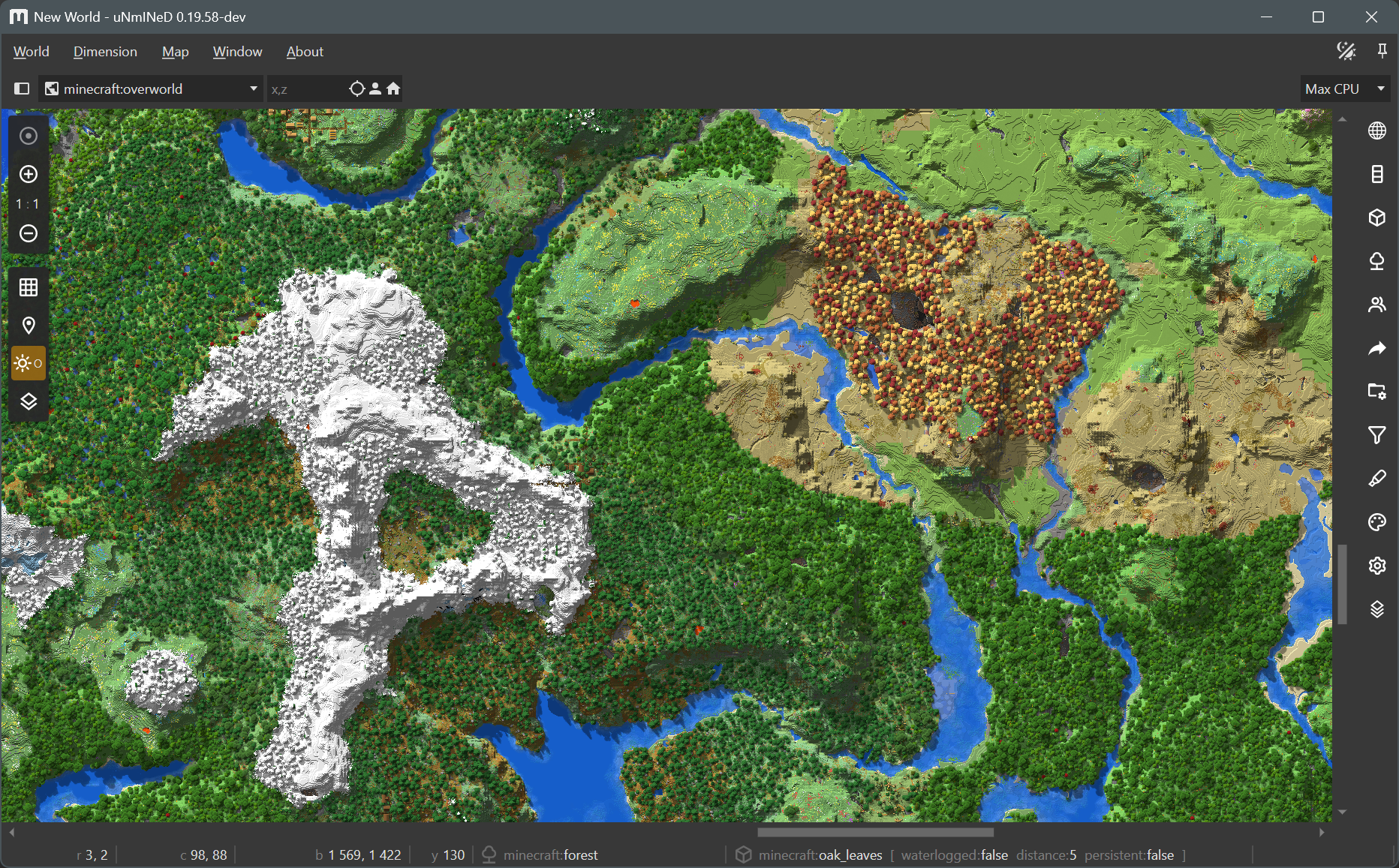
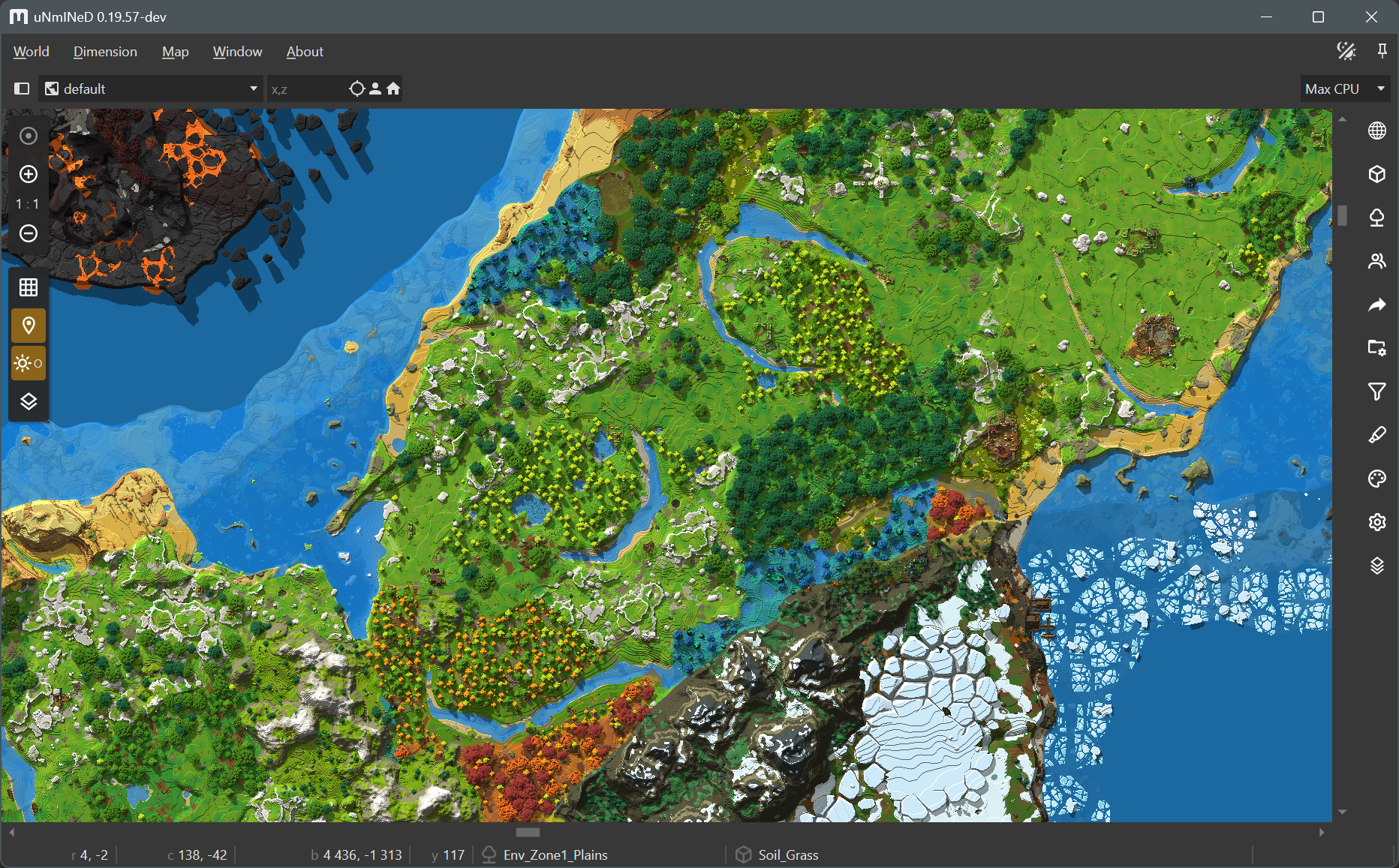
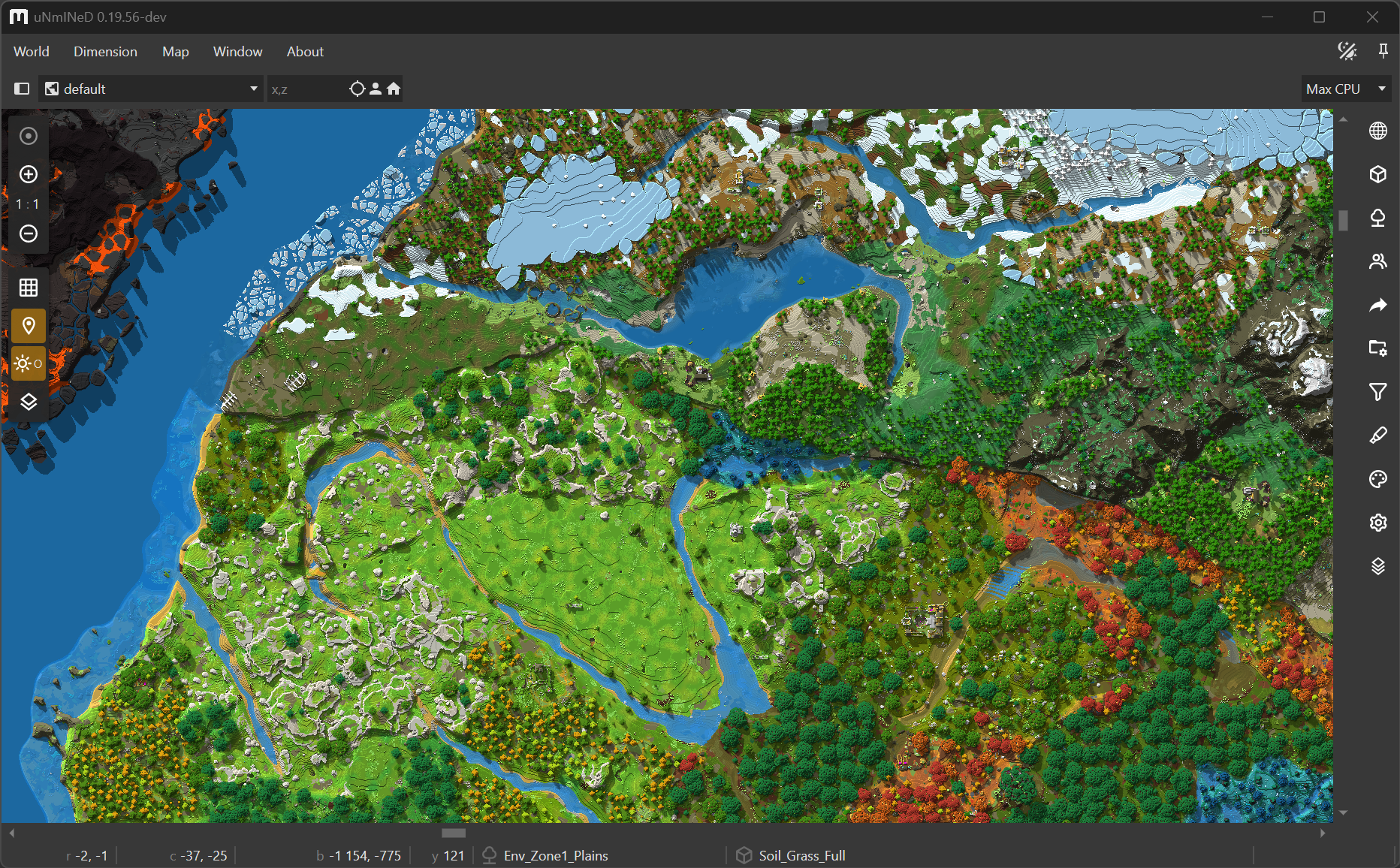
New uNmINeD development snapshot is available for download!
Changes:
(Minecraft) Reworked datapack and mod handling
(Minecraft) Textures now can be used with Bedrock worlds (experimental)
(Minecraft) Colors for custom/modded blocks now can be calculated automatically from textures
(CLI) Textures now can be used with the CLI
Automatic colors for custom blocks
uNmINeD now can read biome and block metadata from datapacks/mods and behavior/resource packs, and it calculates map colors for custom blocks automatically by averaging their textures instead of displaying them as pink.
Textured rendering
By default, uNmINeD displays each block as a square filled with a single color. When textured rendering is enabled, it still does not render blocks in 3D, instead it fills the squares with an image (the in-game texture of a block) rather than a solid color.
Textured rendering can be enabled on the render settings side panel (the tab with a cog wheel icon). It works for zoom-in levels 4:1 or higher. It works well with cube-like blocks, but fences, walls and other blocks with a complex 3D model look off. Upcoming releases will be able to render fences and walls correctly, and images to be used for complex blocks will be customizable.
Usage with Java Edition
Using textures or datapacks/mods with Java Edition worlds requires a Minecraft client JAR file. If you have Minecraft installed, uNmINeD will automatically find your client JAR file, otherwise you have to copy it from another machine, and select it in uNmINeD’s app settings.
Usage with Bedrock Edition
Using textures or behavior packs with Bedrock Edition worlds requires a vanilla resource pack. You can download it from Mojang: https://github.com/Mojang/bedrock-samples/releases. Find your version (or use the latest), click on Assets, and download the full package named bedrock-samples-xxxxx-full.zip (or the source code zip package, either one is good), then select the downloaded file in uNmINeD’s app settings.
CLI usage
Use --java-client-jar=/path/to/1.21.11.jar to select your Minecraft client JAR.
Use --bedrock-vanilla-pack=/path/to/bedrock-samples-v1.26.0.2-full.zip to select your vanilla resource pack.
Use --textures=true for textured rendering (effective at zoom-in levels 4:1 or higher).
Selecting a client JAR or a vanilla resource pack is required for all datapack related functions, including automatic color calculation for custom blocks and textured rendering.
New uNmINeD development snapshot is available for download!
Changes:
(Minecraft) Added and fixed a lot of building block colors
(Minecraft) Fixed Java Edition region loading issues that were occuring on some systems
(Hytale) Added support for RocksDB world storage type (thanks to rocksdb-sharp)
(Hytale) Map colors are now calculated based on in-game textures
(Hytale / GUI) Added Hytale player markers
(GUI) Added export functions to the block list panel
uNmINeD now uses different colors for each Minecraft stone type (basalt, diorite, andesite, etc.), and the color of stone and cobblestone blocks are now darker to better match the in-game color. Many other blocks now have a distinct color (gold, lapis, diamond, etc.). If you want to go back to the previous map colors, turn off the Natural stones, Masonry and Mineral blocks settings on the stylesheet sidebar tab.
Hytale support is still experimental. There may be bugs and crashes.
New uNmINeD development snapshot is available for download!
Changes:
Improved Hytale map colors
Improved Hytale processing speed
Added grass tints for Hytale (read from chunk data)
Added water biome tints for Hytale (read from configuration)
Added player names for Hytale
Block name matcher now treats patterns ending in ** specially, the pattern foo** means foo or foo_*
(GUI) Fixed broken chunk inspector GUI
(GUI) Fixed broken web export GUI
The Hytale support is still experimental. There may be bugs, crashes, and the map colors are still unfinished.
!!! WARNING !!!
It has not yet been tested whether uNmINeD can be used safely while Hytale is running. Always close Hytale before using uNmINeD to prevent data corruption!
Added support for Minecraft 26.1-snapshot-6 worlds
Added support for multiple asterixes in block name patterns
Fixed broken textured rendering for Java Edition
uNmINeD now can read Hytale worlds. This is an experimental feature under development. Map colors are far from finished, the code is slow, and there may be bugs and crashes.
!!! WARNING !!!
It has not yet been tested whether uNmINeD can be used safely while Hytale is running. Always close Hytale before using uNmINeD to prevent data corruption!
(GUI) Changed macOS package format from tar.gz to DMG
(CLI) Changed macOS package format from tar.gz to ZIP
Enabled libdeflate on macOS (faster chunk decompression)
macOS packages are now codesigned using my Developer ID Certificate and notarized (scanned for malicious code) by Apple, so they can be installed and used without any hassle in the same way as other trusted macOS applications.
Known issues:
The GUI still crashes on some macOS machines with Apple Silicon. If it happens to you, try the Intel version. (fixed in 0.19.50)
The new block finder feature of the CLI scans the world for a specified block and displays the coordinates or writes them to a CSV file. You can use the --area, --topy and --bottomy arguments to limit the search area in the same way as with mapping functions.
Usage examples:
1. Write coordinates of all bell blocks to a file:
Warning! The result file can grow extremely large if you search for a common block. If the file already exists, the results are appended instead of overwriting the file.
Note: the --log-console=false argument should be used to disable logging to the console when the output is also displayed on the console. You can use the --log-file argument if you still need the logs.
New uNmINeD development snapshot is available for download!
Changes:
(GUI) Updated Avalonia to 11.0.10
(GUI) Added a GUI control to limit CPU usage (located in the upper right corner after opening a world)
(CLI) Added --chunkprocessors=x option to limit CPU usage, where x is the number of chunks processed simultaneously. The default value is the number of your CPU threads.
With these settings you can slow down uNmINeD and make it less CPU-hungry, preventing other running apps or games from lagging and overclocked/undercooled CPUs from “melting”.
Notes: The number of CPU threads cannot be limited for a .NET application (however, you can use virtual machines or containers to limit the CPU usage of any application). The CPU limiter in uNmINeD only limits the number of chunks that can be processed simultaneously. The actual number of running threads can be higher than this.

 Log in